Whether your laptop screen cracked, your PC is running slow, or you want a custom build from scratch — Local Computer Repair has you covered. We're the East Valley's trusted tech, serving Tempe, Mesa, Chandler, and surrounding areas.

Laptop Screen Replacement
Most laptop screens replaced for just $59 in labor. Fast turnaround. (Apple products not included in flat rate.)

Virus & Malware Removal
We remove viruses, spyware, ransomware, and other malware — and help you stay protected going forward.

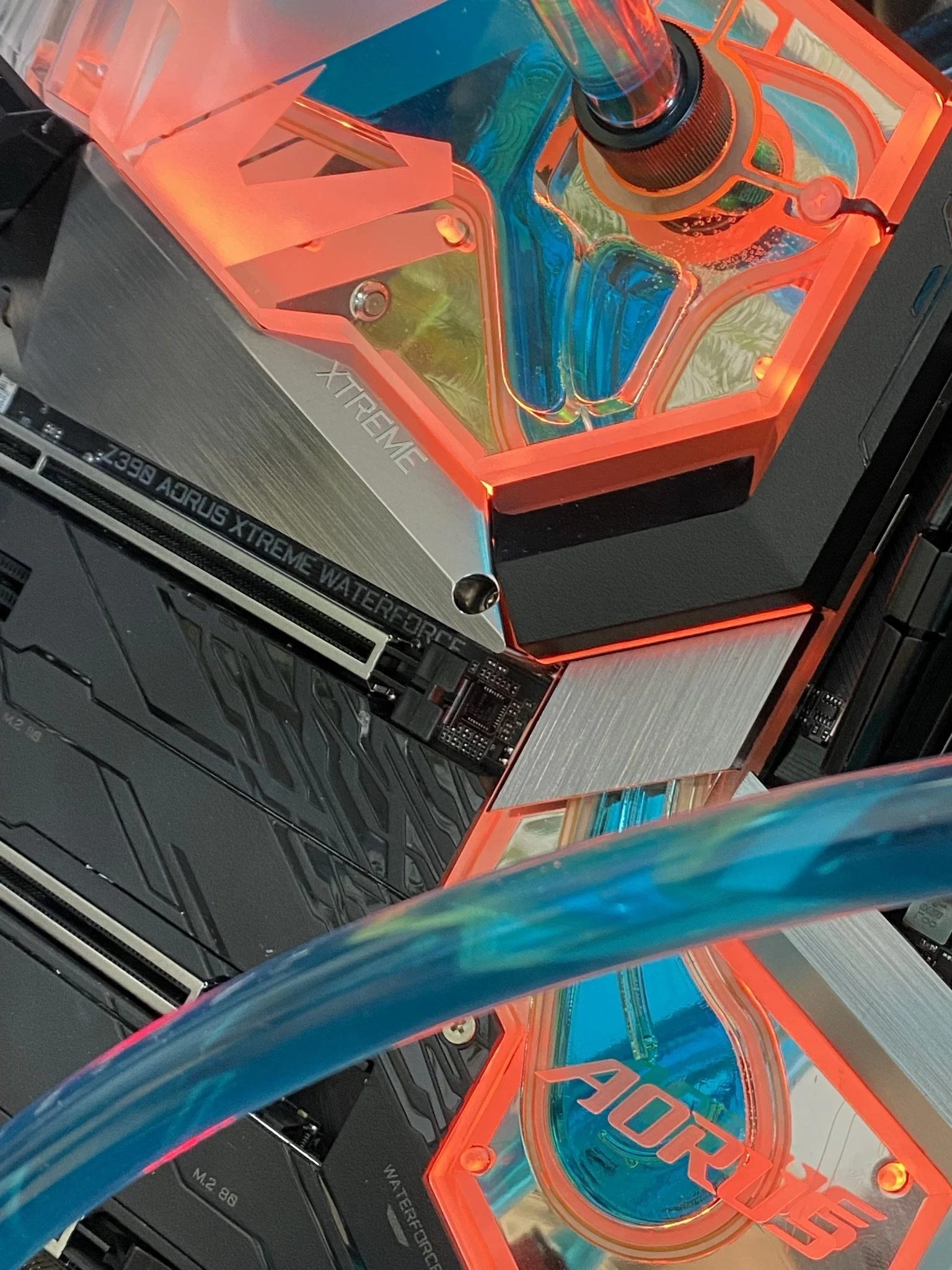
Custom PC Builds
From budget gaming rigs to professional workstations, we build PCs tailored to your needs and budget.

Mac & MacBook Repair
Screen issues, battery replacement, software problems — we handle MacBook repairs with care.

Software & Windows Support
Slow computer? Blue screens? Won't boot? We diagnose and fix Windows issues fast.

Networking & Wi-Fi Setup
Home and small business network setup, troubleshooting, and security.

Linux Support
One of the few local shops with real Linux expertise. Installation, configuration, and troubleshooting.

Business-to-Business (B2B)
We partner with local businesses for ongoing IT support. Contact us to discuss your needs.

Diagnostic: Flat $45 (liquid damage not included)
Open by appointment — call, text, or email: (602) 935-836
Yes — we can make the font thicker. Here are the usual ways to do that, depending on where you need it changed:
  • In a document editor (Word, Google Docs): use a bolder font weight (Bold), switch to a heavier font family (e.g., change from Roboto Regular to Roboto Medium or Bold), or increase the point size slightly.
  • In web pages/CSS: use font-weight (e.g., font-weight: 600; or 700) or choose a bolder font-face. Example: body { font-family: "Roboto", sans-serif; font-weight: 600; }
  • In graphics/layout software (Photoshop, Illustrator, Canva): apply the font’s Bold/Black style, increase stroke/outline weight, or use “Layer Style > Stroke” to add thickness.
  • On Windows: many apps support bold; for system UI, increase ClearType or use a different scale/dpi. For text in images/screenshots, edit in an image editor and apply a bolder typeface.
  • On Mac: use app bold options or choose a heavier font variant in Font Book; in system settings, enable “Increase contrast” or adjust font smoothing.
  • For web text that doesn’t have a bold variant available: use text-shadow duplicates or SVG text with a thicker stroke as a workaround (note: these are hacks and may affect readability).
If you tell me where the text appears (web page, Word doc, image, app UI, email, etc.) and which font you’re using now, I can give exact steps or the precise CSS/setting to apply.
5
Local computer repair in Tempe, AZ. Laptop screen replacement from $59, flat $45 diagnostic, custom PC builds, virus removal, Mac & Linux support. Serving the East Valley. Call or text (480) 272-5015.